Selling on Facebook Marketplace is one thing — shipping what you sell is another. Here’s how to set up shipping, step by step.
1. Start a shipping listing
Go to Marketplace, tap Create New Listing, then Item for Sale. Add your item details, then under Delivery Method choose Shipping.
2. Do the one-time payout setup
The first time you do this, Facebook will prompt you to set up shipping and payouts. You’ll need to enter your legal name, address, date of birth, and banking info — name on the account, routing number, and account number. You’ll also need your SSN or ITIN for taxes. This is what actually unlocks shipping: enable it in your seller profile settings, activate the shipping options, and attach a bank account.
3. Choose your label type
Prepaid Facebook label: Facebook calculates the rate, you print the label from your Orders, and tracking fills in automatically.
Your own label: you set a flat rate and upload the tracking yourself.
Facebook works with USPS, UPS, and FedEx for integrated labels.
4. Ship it
When someone buys, you’ll get an order notification. Ship within 3 business days and mark the order as shipped with tracking. Facebook releases the money to your bank within 5 business days after delivery, minus a 5% fee.
Why some people don’t have shipping
Your account is brand new or not established yet.
You’re not in the continental US.
The item is under $5 or over $500, or in a category that can’t be shipped.
Identity verification is still pending.
You’re trying to set it up on desktop — the setup has to be done on mobile.
Want to work with me? Check out my media kit for rates and collaboration options.
Trampoline safety starts with the net. In this quick Short, I take a look at how trampoline nets are put together — zippers and tightly sewn materials designed so nobody slips through.
It’s a small detail that makes a big difference: a secure zipper and a tight net mean the fun stays inside the trampoline, where it belongs.
Disclosure: This post contains affiliate links. If you buy through them, I may earn a small commission at no extra cost to you.
A look back: this video is from May 2020. The idea behind it still holds up — record once, reuse the content on another platform — but Facebook’s and YouTube’s menus have changed a lot since then, so treat the exact clicks below as a snapshot of how it worked back in 2020, not a current step-by-step. Look for the download option in Facebook’s current video menu and you’ll get the same result.
Here’s the thinking: if you do a good Facebook Live, why shoot the whole thing a second time for YouTube? Your audience is busy, your time is limited — take the Live you already made and put it in front of a different audience.
How it worked back in 2020
Open your Facebook Live video and click the three dots in the upper right corner.
Click to enlarge the video — back then, the download option only showed up after enlarging it.
Click the three dots again and choose Download. It saves as an MP4.
Go to your YouTube channel, click the + / Create button, and choose Upload video.
Drag the MP4 file into YouTube. Set it to Private while it processes so nothing goes live before you’re ready, then save.
A time-saving tip from the video
If you have a pre-written channel description, copy and paste it into the new video instead of typing it out again. Reusing your own text saves a few minutes on every upload.
This post contains affiliate links. As an Amazon Associate, I earn from qualifying purchases — at no additional cost to you.
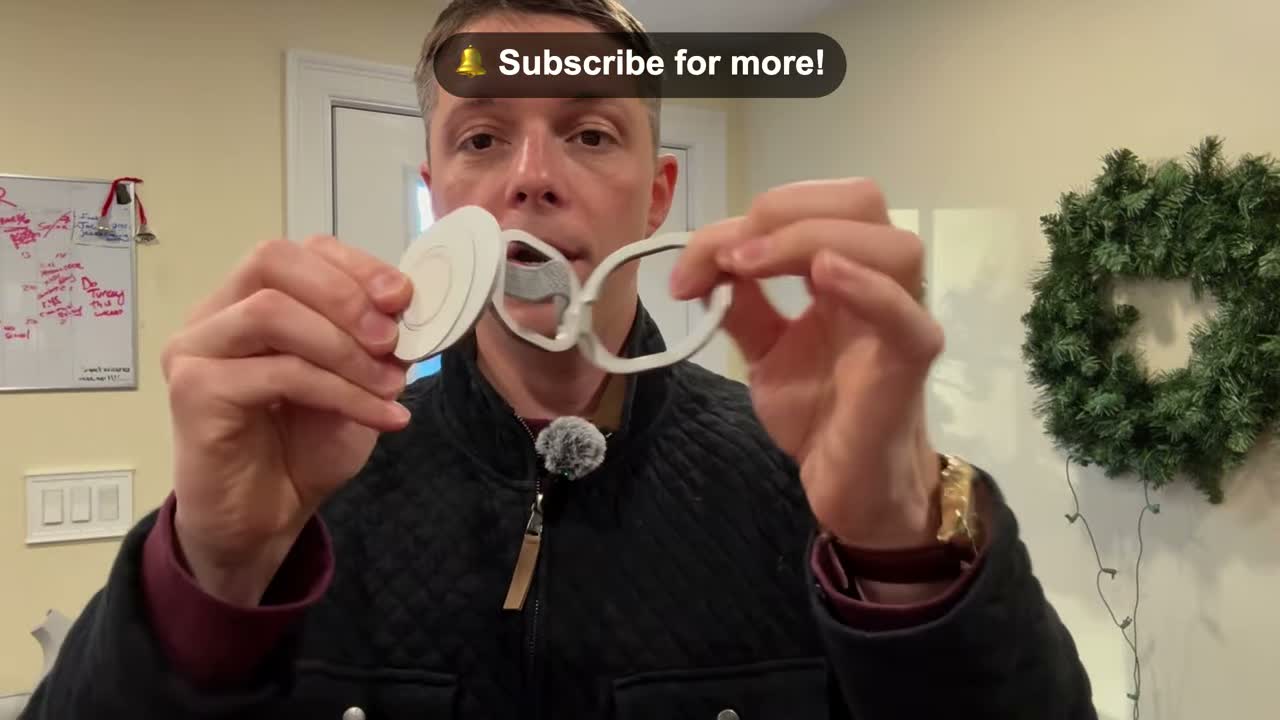
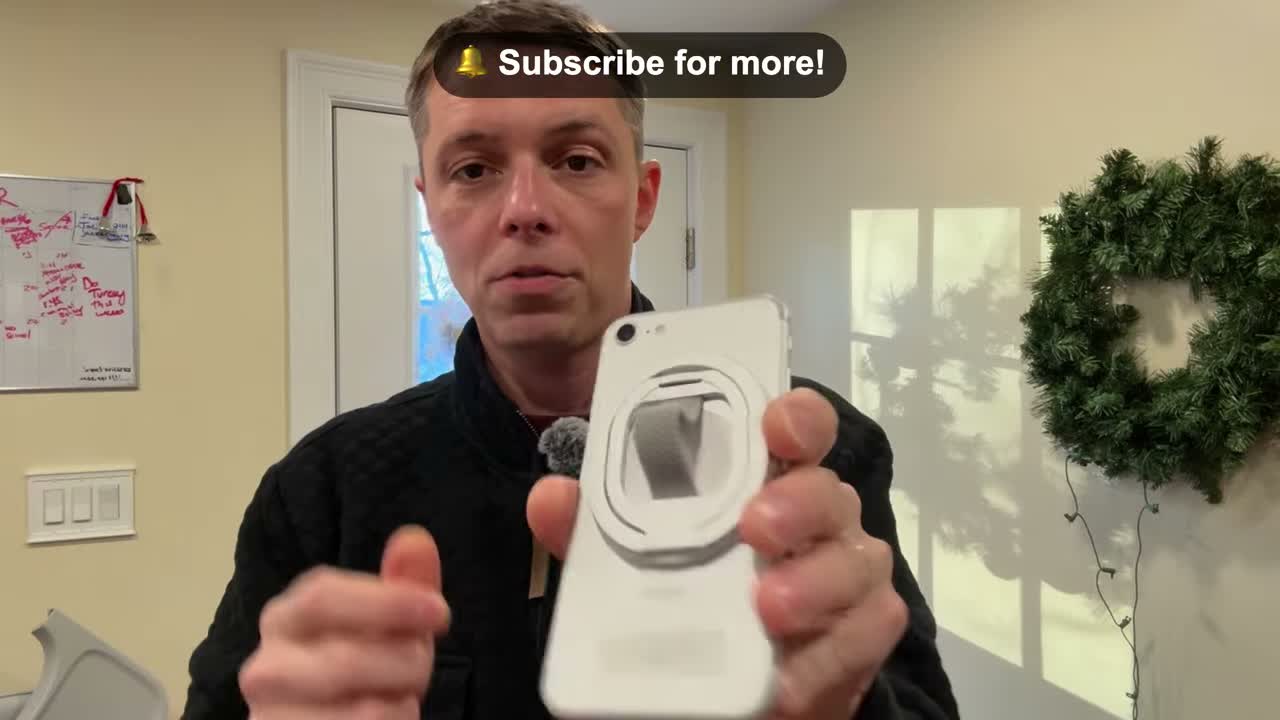
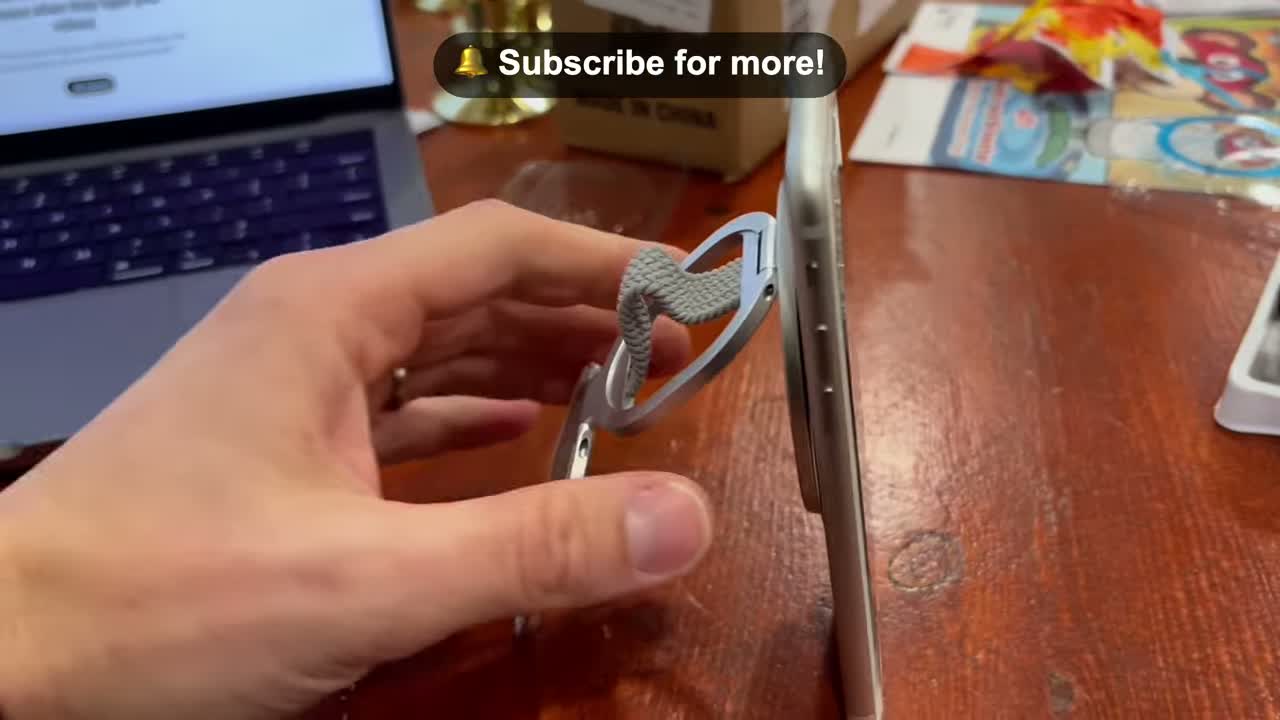
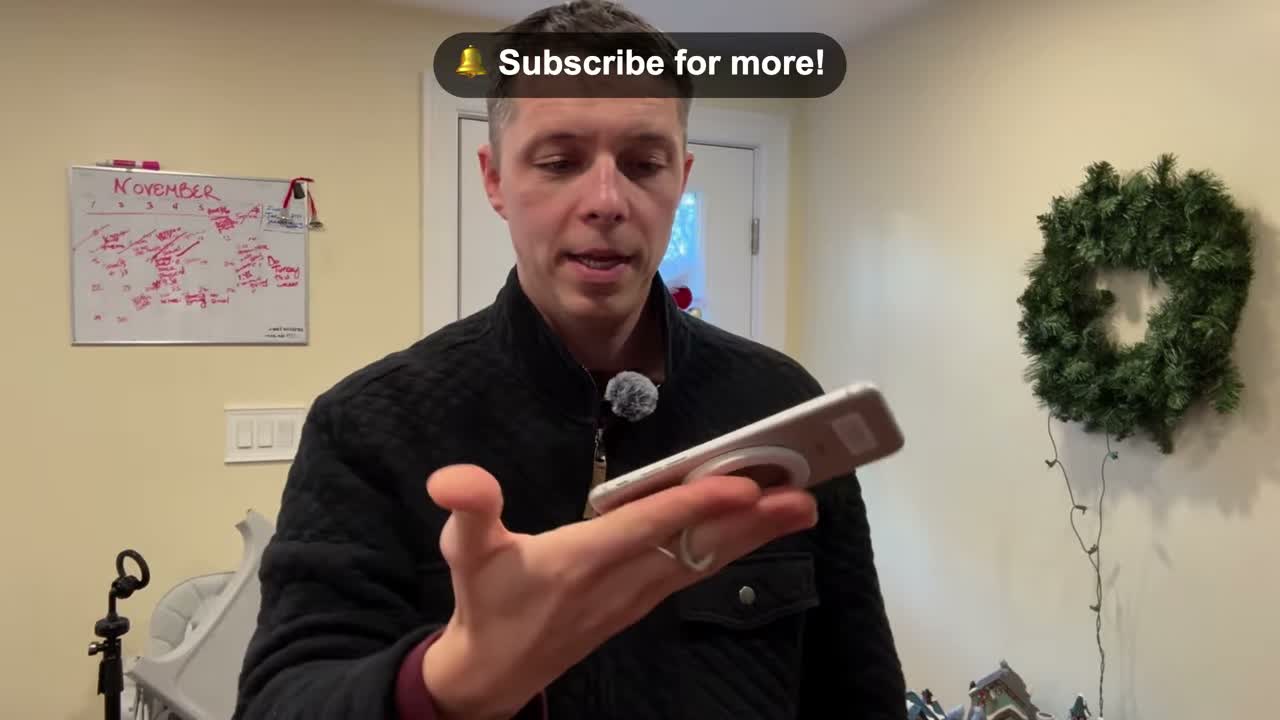
Here’s my take on the Orivexus 4-in-1 Magnetic Phone Grip Stand. It’s a dual-sided magnetic ring holder that works as a finger loop and a kickstand, and it’s made to work whether you’ve got an iPhone with MagSafe or an Android. Here’s what stood out to me.
Dual-Sided Magnetic Ring
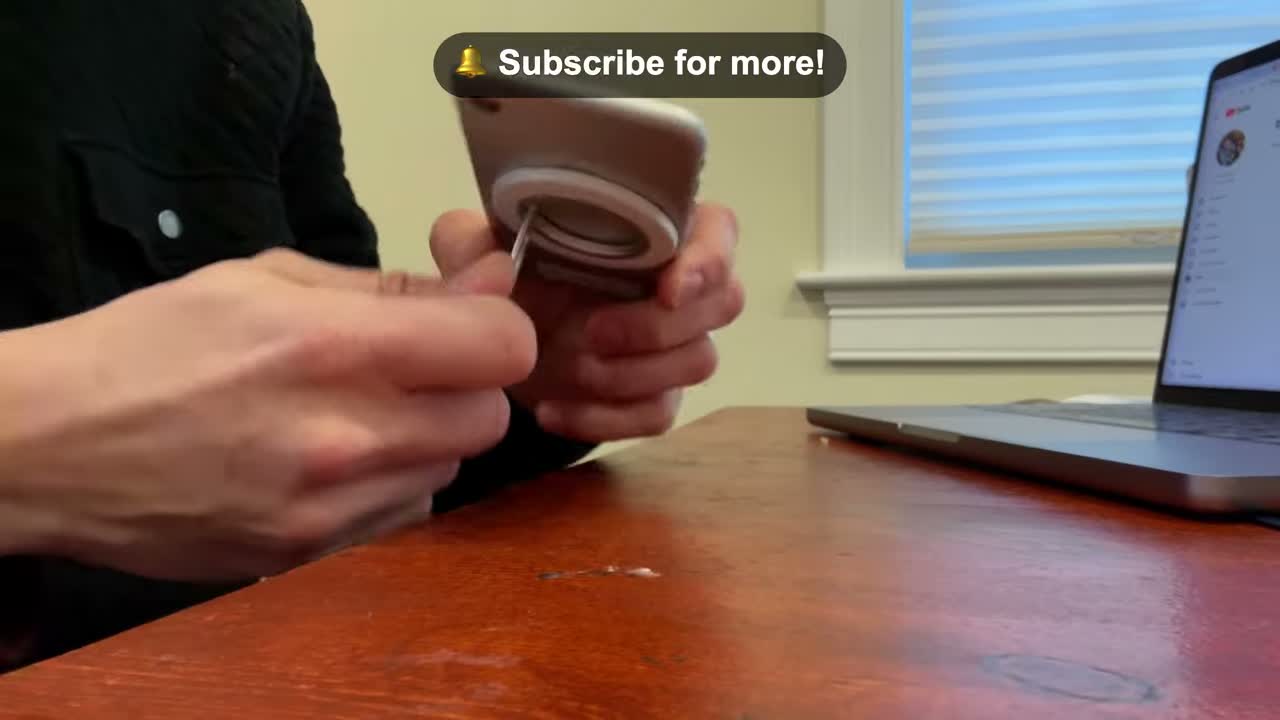
The heart of it is the magnetic ring holder — dual-sided, so it snaps onto the back of your phone with magnets and stays put. It’s designed for MagSafe iPhones, and it works with Android too, so you’re covered either way.
Finger Loop Keeps It Secure
The ring doubles as a finger loop, and that’s the part I notice most day to day. Slip a finger through it and the phone isn’t going anywhere while you’re on the go — no more white-knuckling it through the house with a kid on your hip.
Kickstand for Hands-Free Watching
Flip the ring out and it becomes a kickstand. Set the phone down to watch a video or multitask hands-free — that’s the switch this thing is built for: holding it one second, propped up on the table the next.
Disclosure: This post contains affiliate links. If you buy through them, I may earn a small commission at no extra cost to you.
Want to sell your stuff on Facebook Marketplace — and actually sell it fast? In this 60-second video I share the three things that make the biggest difference. They’re simple, but most sellers skip at least one of them.
Tip 1: Take good pictures
Presentation is key. Make sure your photos are bright and clear, and highlight the best features of the item you’re selling. Good photos are the first thing a buyer sees — make them count. And don’t play tricks on anyone with misleading photos.
Tip 2: Write a detailed description
List the features and the condition of the item — the stuff that’s actually relevant to someone thinking about buying it. Be straight about what it is and what shape it’s in. No tricks.
Tip 3: Price it right
Look at what similar items are selling for — eBay is a good place to check prices. Then price yours fairly. If you want to sell quickly, a fair price beats a hopeful price every time.
Keep those three tips in mind and you’ll be selling in no time.
This post contains affiliate links. As an Amazon Associate, I earn from qualifying purchases — at no additional cost to you.
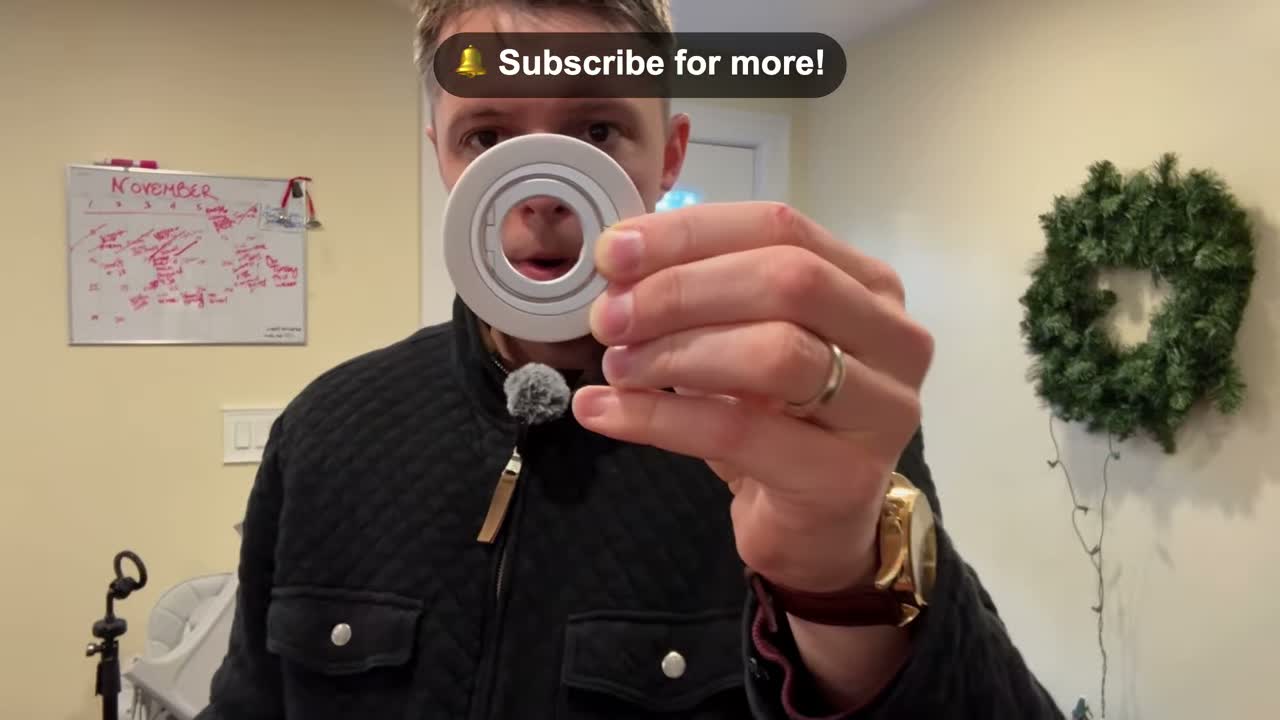
This one is a quick one — the Orivexus Ultra-Thin Magnetic Phone Ring Holder. It’s a dual magnetic ring made for MagSafe, it spins a full 360°, and it’s slim and light enough that your phone still feels like your phone. Here’s what I liked about it.
Dual-Sided Magnetic Ring, Made for MagSafe
The ring sticks to the back of your phone with magnets — it’s designed for MagSafe, so it snaps on and stays put. It’s dual-sided, so it works as a finger grip and a stand. No adhesive, no bulk, just magnets holding it in place.
Spins a Full 360°
The ring rotates a full 360°, so you can angle it however you’re holding the phone — portrait, landscape, or flat on the table. That’s the part that makes it actually useful day to day instead of just stuck in one position.
Finger Grip and Stand in One
Slip a finger through the ring and the phone isn’t going anywhere — handy when you’re filming, scrolling one-handed, or carrying it around the house with a kid on your hip. Flip the ring out and it props the phone up as a stand, so you can watch a video or take a hands-free call without leaning it against something.
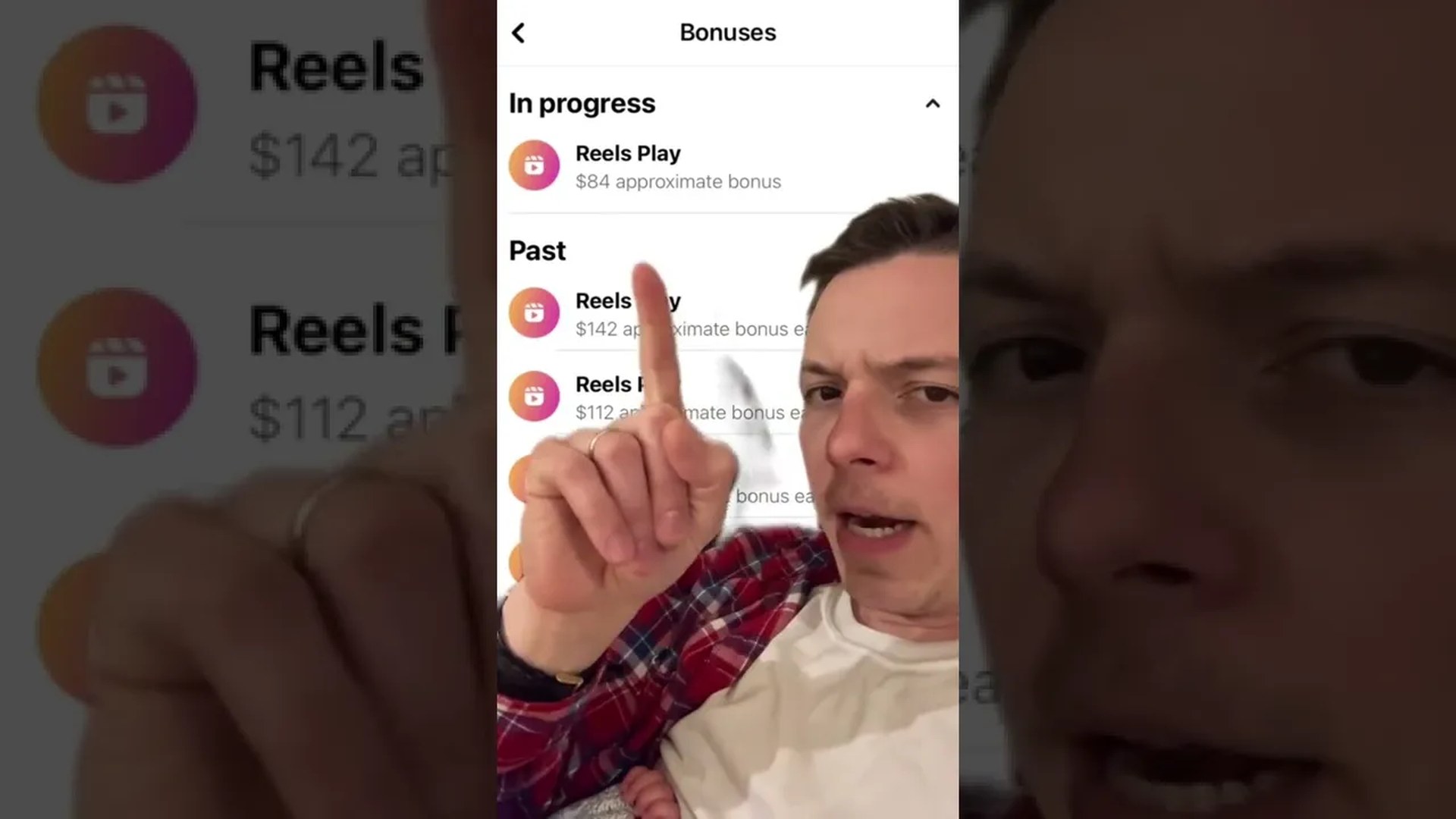
Quick heads-up before anything else: the Facebook Reels Play Bonus program has ended. You can’t join it or earn from it anymore. This post is a look-back at what it was.
Back in May 2022, Facebook was paying creators to make Reels through the Reels Play Bonus program — and in this 13-second Short, I showed how much Facebook had paid me for mine.
That was the deal at the time: post Reels, hit the program’s targets, get paid. It was one of the first times Facebook was directly paying everyday creators for short video, and for a while it was a real incentive to keep posting.
Meta wound the program down in 2023, so if you’re a creator looking at Reels monetization today, the Play Bonus isn’t an option — check Facebook’s current creator monetization options instead.
Still, it’s a good reminder of how fast this stuff changes. A payout program can be here one year and gone the next — so if a platform is paying you, take the money while it lasts, but don’t build your whole plan around it.
Acorns is one of those apps that’s easier to understand with an example than with a definition. So here’s the example from the video.
Round-ups, in one example
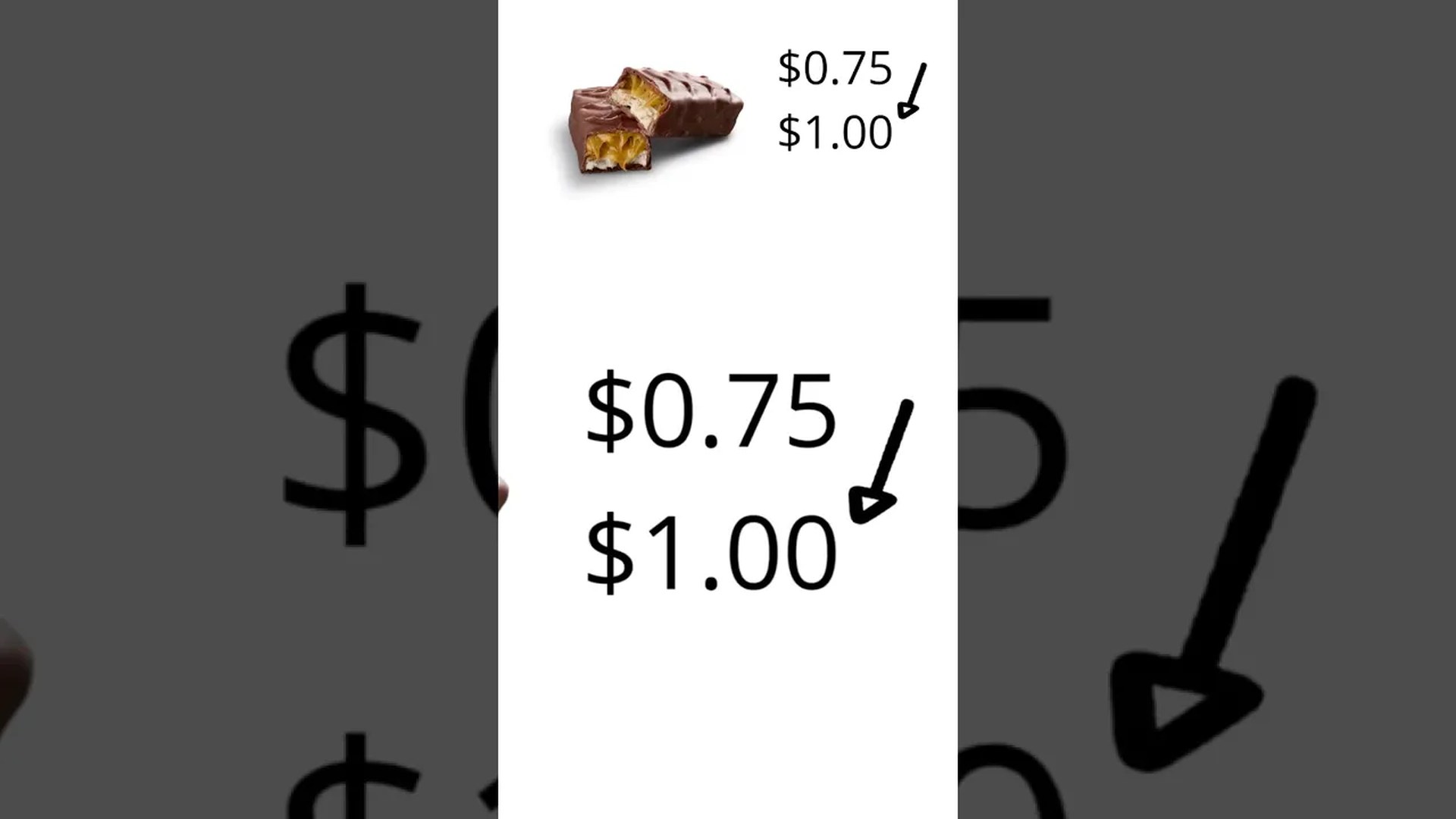
Say you buy a candy bar for $0.75. Acorns rounds that purchase up to the next dollar — $1.00 — and takes the $0.25 of spare change left over and invests it into a diversified portfolio of up to 7,000 stocks. You don’t have to think about it or set aside big amounts; the spare change from everyday purchases adds up on its own.
That’s the core idea: small, automatic amounts, invested over time. It’s not a get-rich-quick thing — it’s a set-it-and-forget-it way to start investing with money you’d barely miss. And like any investing, the value can go up or down, so it’s worth understanding how it works before you jump in.
I share quick explainers like this on my channel — and if you’re a brand that wants to work together, check out my media kit.
This post contains affiliate links. As an Amazon Associate, I earn from qualifying purchases — at no additional cost to you.
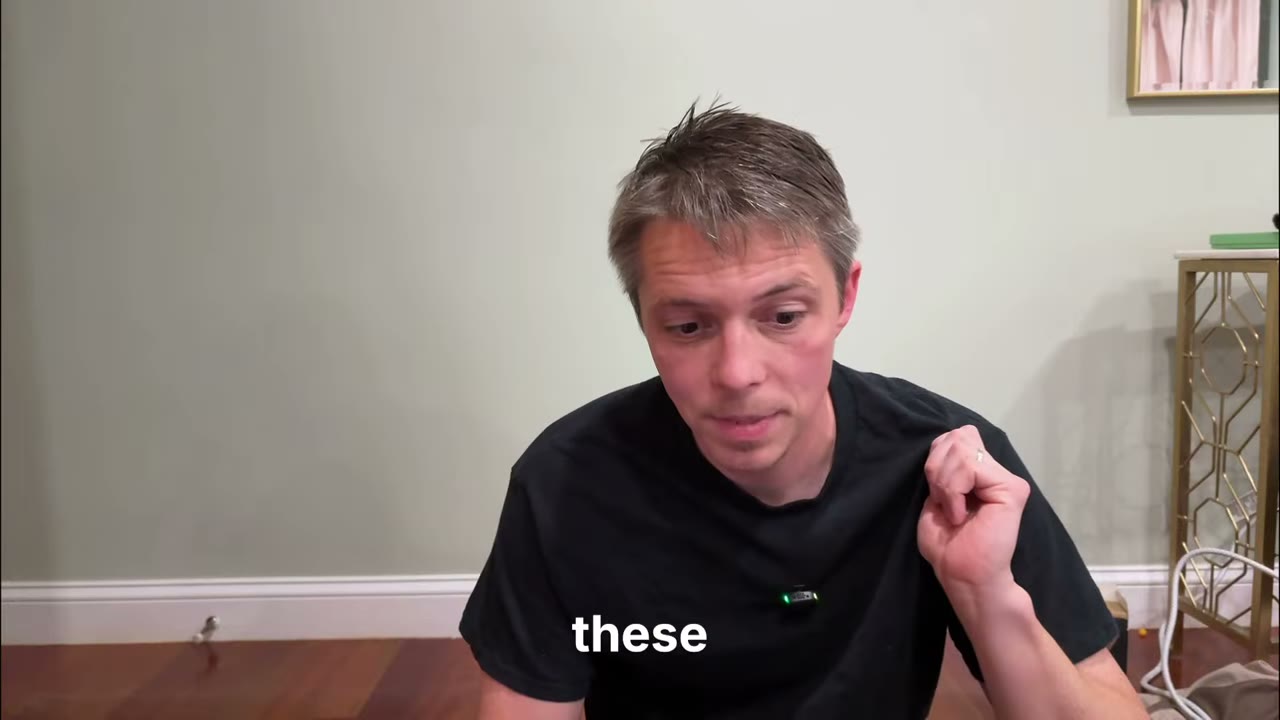
Round three is in the books. This one was a late-night live from my bedroom — me, the OBSBOT, and the gear I’ve actually been using, streaming to Amazon and Facebook at the same time. My wife was in the background giggling at me, the kids were asleep, and I couldn’t be up too late or I’d wake them up. Here’s everything I showed, in order.
Gildan heavy cotton tees
First up — and I threw these in last second — the Gildan heavy tees, black multi-pack. I picked up a bunch of these because most plain tees are too thin to wear as just a shirt. You can see right through them. These are heavy cotton, you can’t see through them, and they come in white too. The Gildan undershirts run a little bit longer than these, which I like. And you can actually get a subscription for them on Amazon, which is how I keep them stocked.
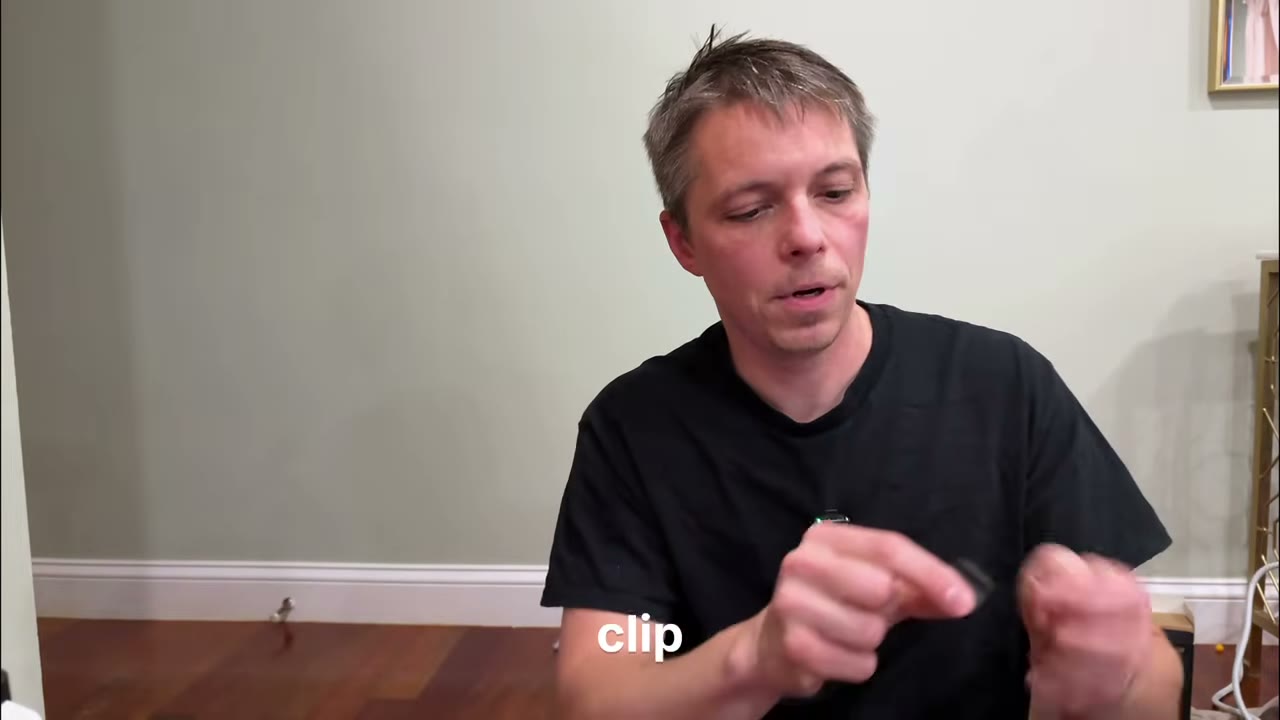
If you’re going to do content like this — any content, really — you need a microphone. Good audio matters. This is the DJI Mic Mini, the one I’m wearing in all my videos. It comes in a little pouch, it’s got a magnet and a clip on the back, so you can clip it to your shirt, slip it under your shirt with the magnet, or clip it to the edge of your hat. The fuzzy wind guard pops right off when you don’t need it. They come in a 2-pack, and with the app you can mix them in stereo or run them mono — handy if you’re podcasting. It also comes with a custom magnetic charger — the mic just clips right on — and custom wind guards in the bag.
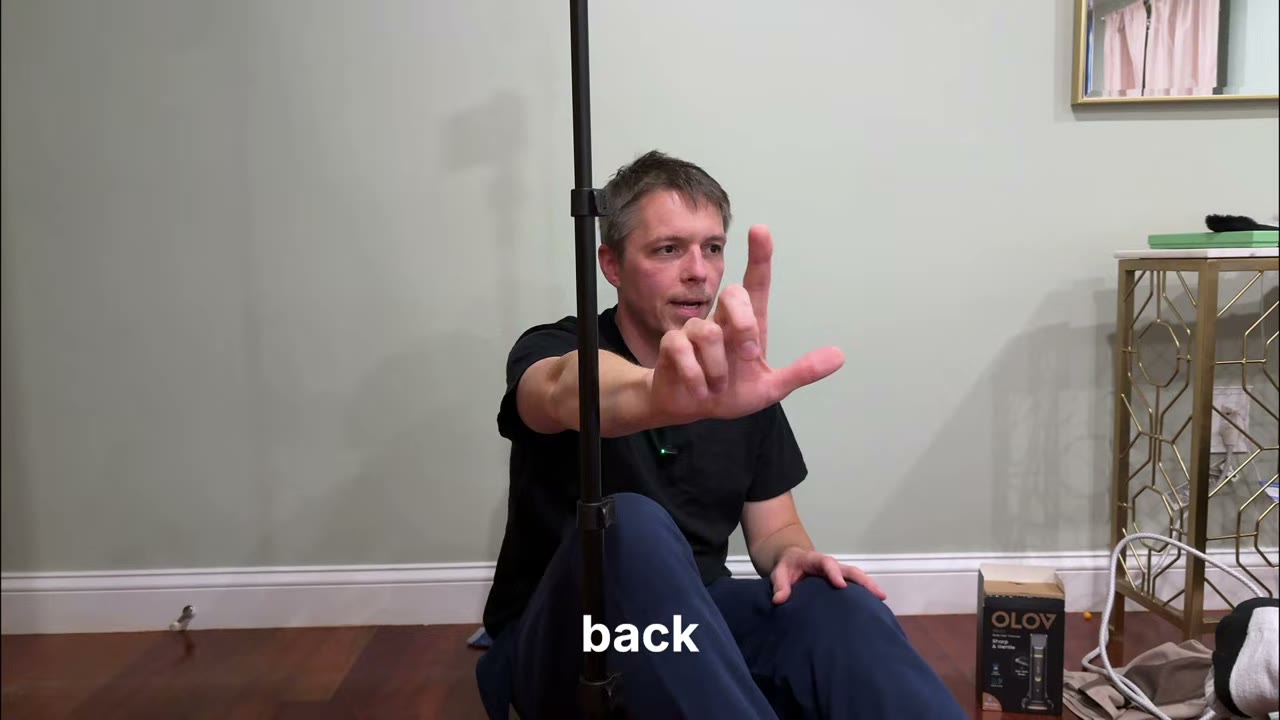
That’s the OBSBOT Meet 2 — an AI 4K webcam, and it’s the camera I use for my streams so I can go to multiple platforms at once. The trick is the AI tracking: it’ll follow you around the room, zoom in for a close-up, and with the hand gestures you can zoom in or out without touching anything. I demoed it sitting on the floor — I didn’t want to run around and wake the kids — but you can see it follow me, zoom in on my face, and track my hand as I move it. With a little bit of practice you can get a real solid move out of this camera.
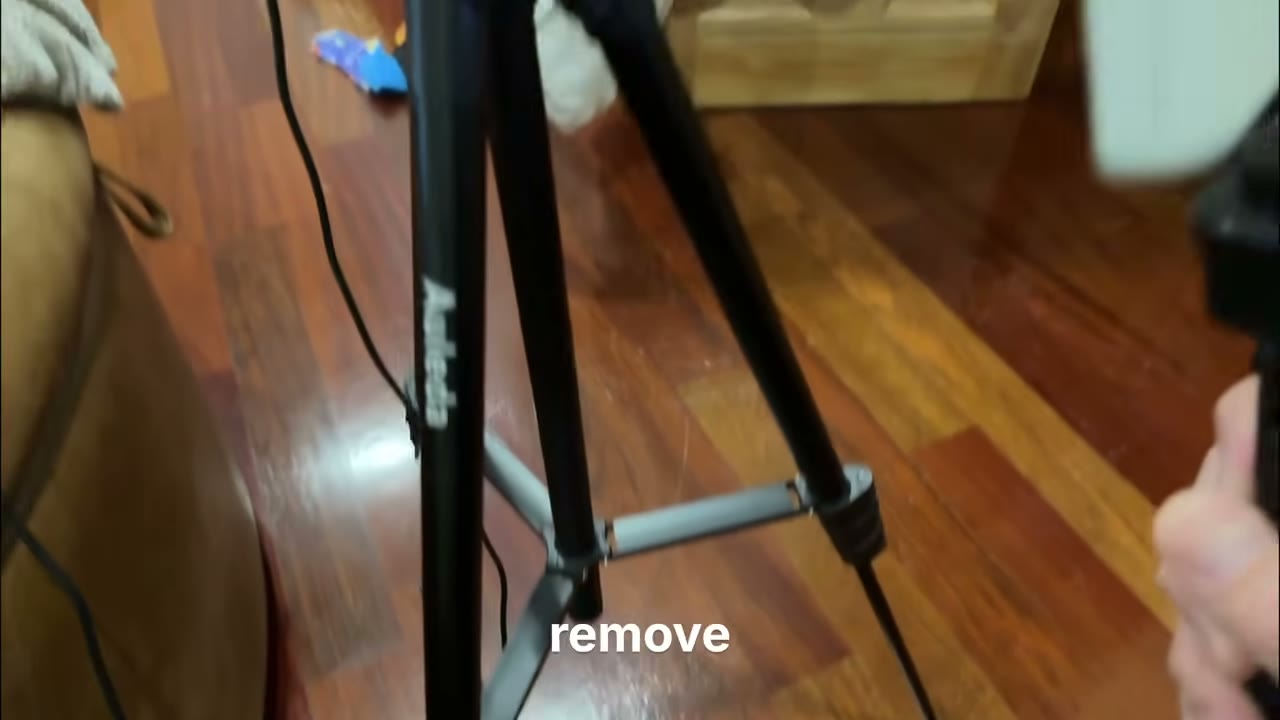
This is the Eluta stand — a mic stand, a camera stand, and a tripod all in one. It folds out really simply, it’s a quick setup, and you can take the top off and turn it into a selfie stick. It’s one of the tripods we use for this content.
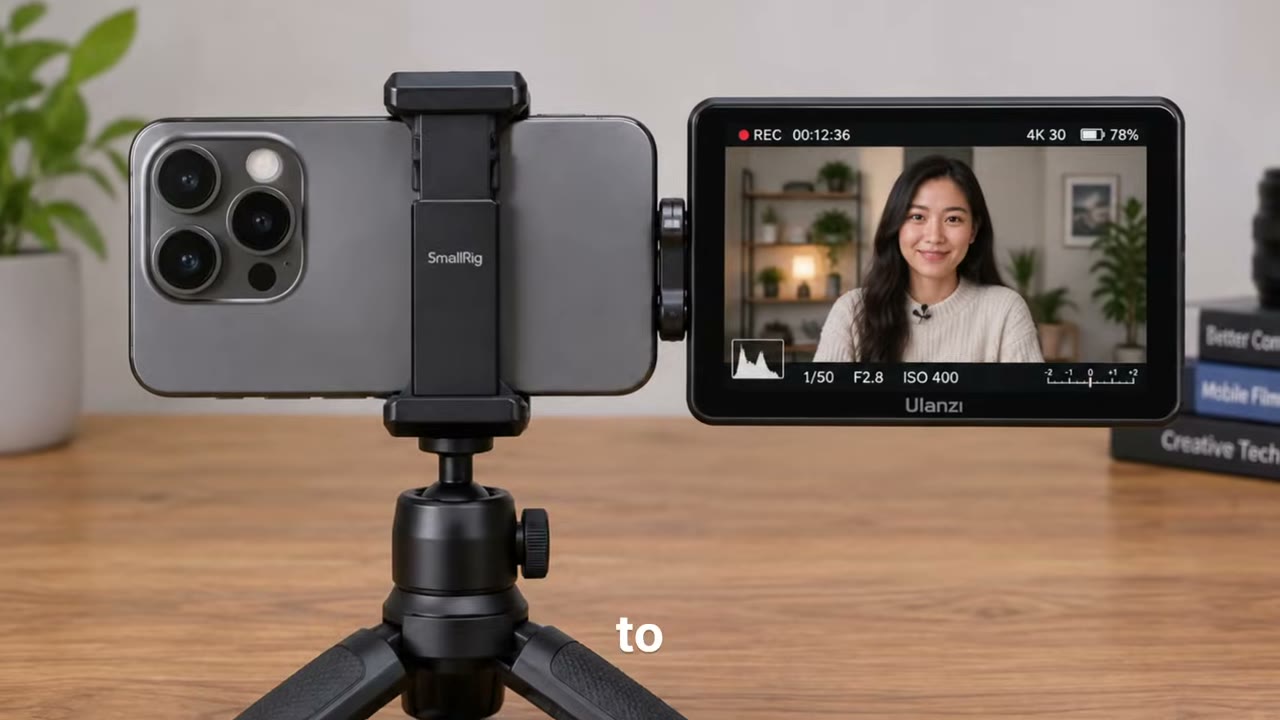
Next is the VIMO C6 — this one was sent to me as a product promotion. It’s the 66-inch version, and it’s a quick setup and fairly stable. The knob just turns, the three clips go down, and it’s all gears — no spring-loaded parts — so when you load your phone on it, it stays where you put it. It’s also holding the monitor, which is the next thing.
This is the Moment monitor — the reason I can use the better camera on my phone while I film. It screen-mirrors to the phone, so I can see everything that’s on my screen while I’m shooting with the back camera. It’s Bluetooth too, so the button on it can start and stop the camera for me. It’s not a touch screen, but for seeing yourself while you film, it does the job.
I needed a new pair of sunglasses — I lost my last pair — and I needed something good quality that could get to me really quickly, so I picked these up on Amazon. They’re the Calidia polarized sunglasses: matte finish, plastic case, men’s size, good quality rivet, good lens. And they’re actually polarized — you know how some glasses say polarized and they don’t look quite right? Put these on and look at an LED screen and everything goes black. These are the real thing, and they’re a great value.
Before I had to cut out — one of the boys woke up — I showed the book I just got from TikTok, From Debt to Wealth, and mentioned the sleeves and stuff I got for the kids. The next stream is going to have some more books, and we’ve got to do some lives over on TikTok too, so keep an eye out for that.
Watch Live Shopping with Kevin Episode 3
That’s episode three. Late night, bedroom studio, wife laughing at me in the background, and a baby who cut the stream short — that’s the real version of this show. I’m going to keep doing this every week, so if I didn’t get to your question in the chat, come back next time and I’ll get to it. Drop a comment if you’ve got a question about any of this gear — I’ll follow up.
This one’s a look-back — I posted it in October 2020, and Facebook’s rules, screens, and appeal process have all changed a lot since then. So don’t treat the clicks below as current. But the core idea still holds: most rejected listings get rejected for a reason, and that reason is usually in the policies.
Why your listing wasn’t approved
Most often it’s because the item doesn’t comply with Facebook’s Commerce Policies. Listings also have to follow Facebook’s Community Standards, and anything sold on Instagram has to follow Instagram’s Community Guidelines too. If you haven’t read the policies, that alone might be why you keep getting shut down.
Things you can’t sell
The prohibited list is long. In the video I run through: adult products, alcohol, animals, body parts or fluids, digital media and software restrictions, discrimination, documents, currency and financial instruments, gambling, hazardous materials, human exploitation, ingestible supplements, jobs (not on Marketplace), medical devices, misleading or deceptive content — like a photo of one thing and selling a knockoff — “no item for sale” listings, pesticides, prescription drugs, overtly sexual positioning, recalled products, services, stolen goods, digital subscriptions (I tried selling an e-book once — it gets shut down), tobacco, weapons, ammunition or explosives, and tickets and gift cards.
What to do about it
First, read the policies and figure out which one your listing tripped. If it does break the rules, delete the listing. If you think it was a mistake, fill out Facebook’s appeal form — you can appeal more than once, and an actual human will review it. A lot of gray-area listings get flagged by the algorithm first, so a human review is often what clears it.
One more thing: Facebook’s Commerce Policies have been updated many times since 2020, so before you list anything, check the current version of the policies — don’t rely on this video alone.