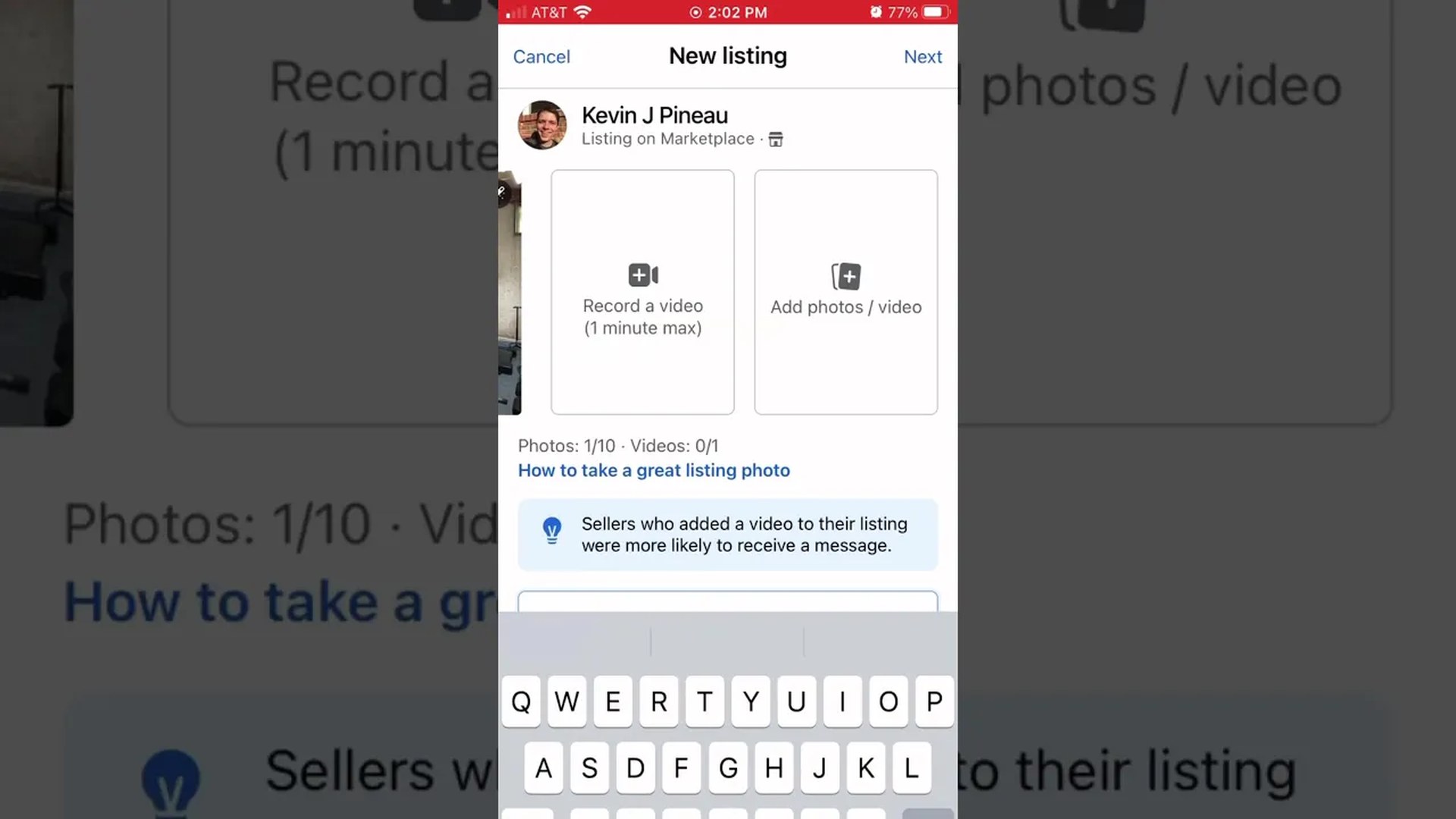
This one’s only 24 seconds long, and that’s the point — listing an item on Facebook Marketplace doesn’t have to be a whole project. Here’s the whole process, start to finish.
List it in under a minute
Open Facebook and tap Marketplace, then Sell and Create listing. Pick the item, take a picture (or upload one you already have), then fill in the basics: a clear title, your price, and a short description of what it is and what condition it’s in. Set the condition, choose your delivery method, and add it to more Marketplace listings if it fits in more than one spot. That’s it — you’re done.
The part most people skip
The photo and the title do the heavy lifting. A clear photo in good light and a title that says exactly what the item is will get you more messages than a perfect description ever will. Price it to move, answer messages fast, and it’ll sell.
I sell on Marketplace a lot, and I share what actually works — if you’re a brand that wants to get in front of buyers, take a look at my media kit.
Written with Muse.
Leave a Reply