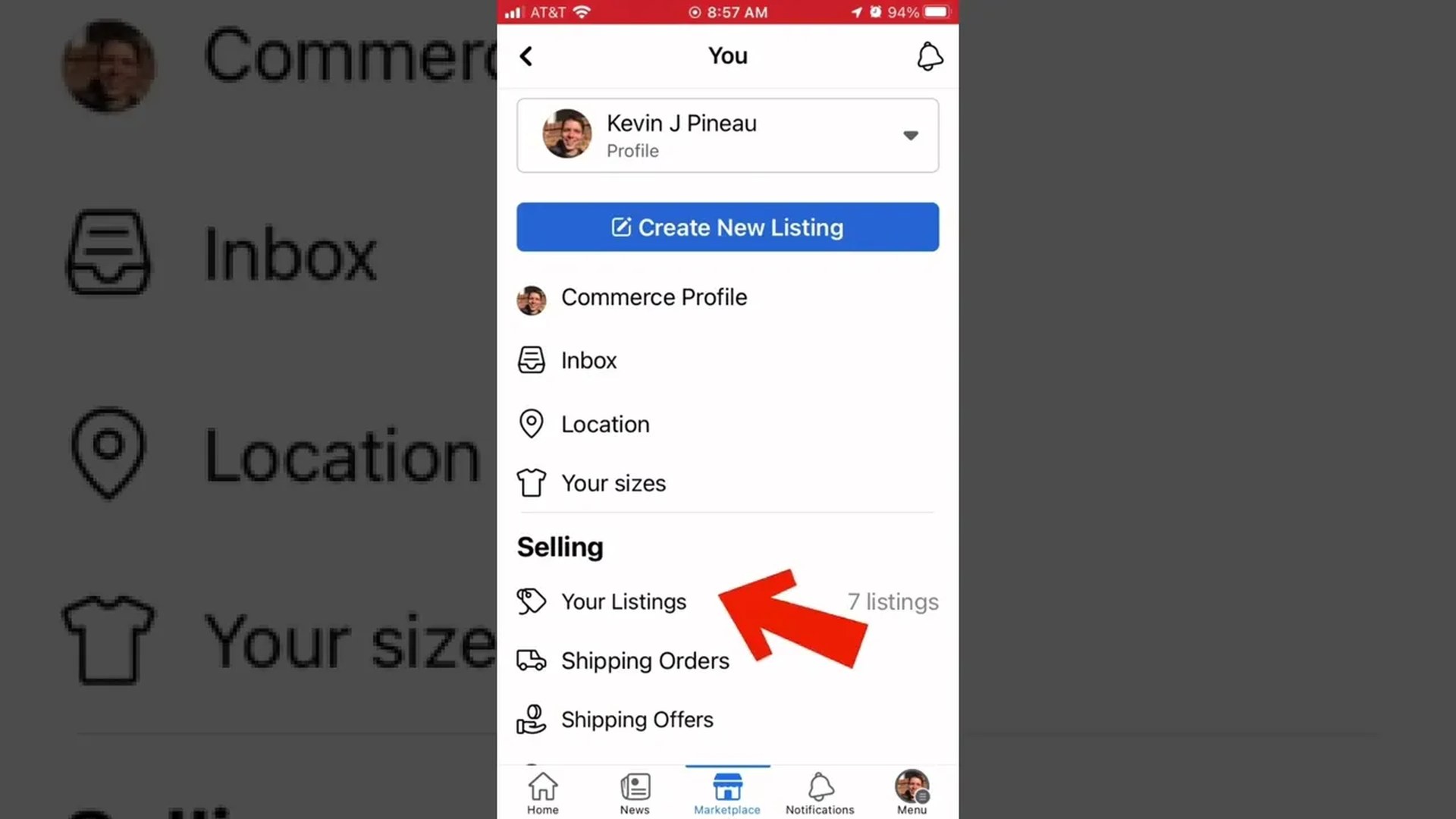
This is my most-watched video ever — over 1.6 million views. If your Marketplace listing has gone quiet, renewing it puts it back in front of buyers without starting over from scratch.
How to renew a listing
Here’s how it worked in the video: go to your Marketplace profile, open your ads (your listings), tap the three dots in the upper right corner of the listing, scroll down through the options, and hit Refresh. Select the listings you want to bring back, tap Refresh again, and they’ll show up in the feed.
One thing that’s changed since 2022
Facebook has shuffled these menus around since I filmed this, and the button is now usually labeled Renew — look for it in the listing’s menu (the three dots on the listing itself). The idea is the same: renewing tells Facebook the item is still for sale and bumps it back up in search results. If you don’t see a Renew option on a listing, Facebook just isn’t offering it for that one yet — it shows up on Facebook’s schedule, not yours.
Selling something and want more eyes on it? I cover Marketplace tips like this all the time — and if you’re a brand that wants to reach buyers like these, check out my media kit.
Written with Muse.
Leave a Reply